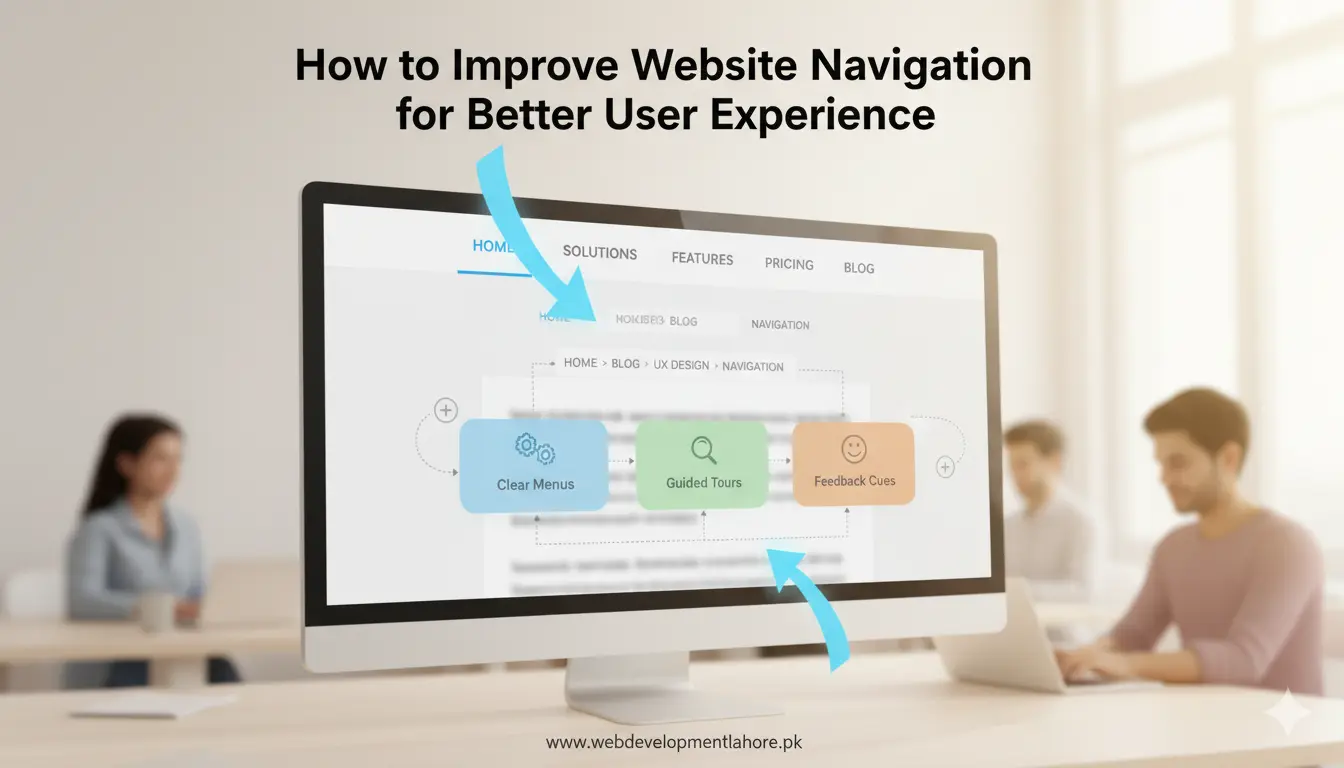
Strong website navigation guides visitors, reduces bounce rates, and turns clicks into customers. When users in Lahore, Pakistan—or anywhere in the world—find information quickly, they stay longer and trust your brand. Follow the proven steps below to improve website navigation, enhance user experience, and support your business goals in 2026.
Why Clear Navigation Matters for Your Business Website
- User confidence: Simple menus tell visitors they are in the right place.
- Higher conversions: Easy journeys lead to quicker contact form submissions and sales.
- SEO benefits: Search engines reward logical site structure with better rankings.
- Lower maintenance cost: A tidy navigation tree is easier to update when you add new services such as mobile apps or graphic design.
Step 1: Audit Your Current Site Navigation
Before making changes, review how people move through your site. Use:
- Analytics: Check pages with high exit rates.
- Heatmaps: View where users click and where they ignore.
- User interviews: Ask real customers to complete tasks and note pain points.
List every link in your primary menu, footer, sub menus, and internal pages. Highlight duplicate or outdated items.
Step 2: Organise Content Around User Goals
Group pages the way visitors think, not by your internal departments. For example, instead of “Solutions,” use clear service names such as “Web Development,” “SEO,” or “Content Writing.” When content fits user goals, navigation feels natural.
Step 3: Use Descriptive and Consistent Labels
A link should tell users exactly what they will get. Replace vague text like “Learn More” with “View Portfolio” or “Request Quote.” Keep naming consistent across desktop, tablet, and mobile views.
Step 4: Keep Menus Short and Shallow
Aim for no more than seven top‐level items. Deep nesting makes users work too hard. If you need many pages, rely on:
- Mega menus: Show multiple columns but keep them organised.
- Category pages: Collect related topics under one hub.
Step 5: Add a Prominent Search Bar
Even the best navigation cannot predict every need. A visible search bar helps users who prefer direct queries. Place it in the header on every page. Support auto-suggest so visitors see popular services such as “e-commerce site design” before finishing the word.
Step 6: Implement Breadcrumb Trails
Breadcrumbs show people where they are and allow fast backtracking. They also pass internal link authority uphill, boosting SEO for parent pages. Use the pattern Home > Category > Subcategory > Page.
Step 7: Optimise Navigation for Mobile Experience
More than 70% of traffic in Pakistan now comes from smartphones. Follow these tips:
- Sticky header: Keep the menu icon and call button visible as users scroll.
- Large tap targets: Buttons should be at least 44 × 44 pixels.
- Accordion submenus: Allow expansion without loading new pages.
Step 8: Enhance Speed and Accessibility
Navigation must load fast and work for everyone.
- Compress icons and SVGs: Aim for header assets under 100 KB.
- Keyboard support: All menus should be reachable with the Tab key.
- ARIA labels: Help screen readers announce menu roles and states.
Step 9: Test, Measure, and Refine
After updates, run A/B tests to compare old and new layouts. Track:
- Average session duration
- Click-through rate to contact or service pages
- Form completion rate
Refine every quarter. Even small tweaks such as reordering menu items can lift engagement.
Local Advantage: Work With a Navigation Expert in Lahore
If you need hands-on help, partner with a website development company in Lahore that understands both global standards and local user behaviour. Web Development Lahore (WDL) has spent over a decade refining site navigation for businesses across Pakistan and abroad.
Quick Checklist
- Limit top-level menu items to seven or fewer.
- Use clear, keyword-rich labels.
- Add breadcrumbs and a site-wide search bar.
- Test navigation on mobile, tablet, and desktop.
- Review analytics monthly and adjust.
Ready to Upgrade Your Website Navigation?
Smart navigation boosts user experience, search rankings, and revenue. Whether you run an online store, a local service, or a multinational brand, simple structure makes every visit smoother. Want expert guidance? Call +92 323 958 7877 or visit Web Development Lahore to start.