Why Intuitive Design Matters for Your Business
A site that feels natural to use reduces bounce rate, lifts conversions, and builds trust. Google’s helpful-content updates now reward pages that answer user intent quickly. In short, better website design leads to better revenue.
Step 1: Know Your Users Before Writing a Single Line of Code
Build Simple Personas
List your top three visitor types. Note their age range, goals, pain points, and the device they use most. In Lahore, mobile visits often exceed 75%, so plan around small screens first.
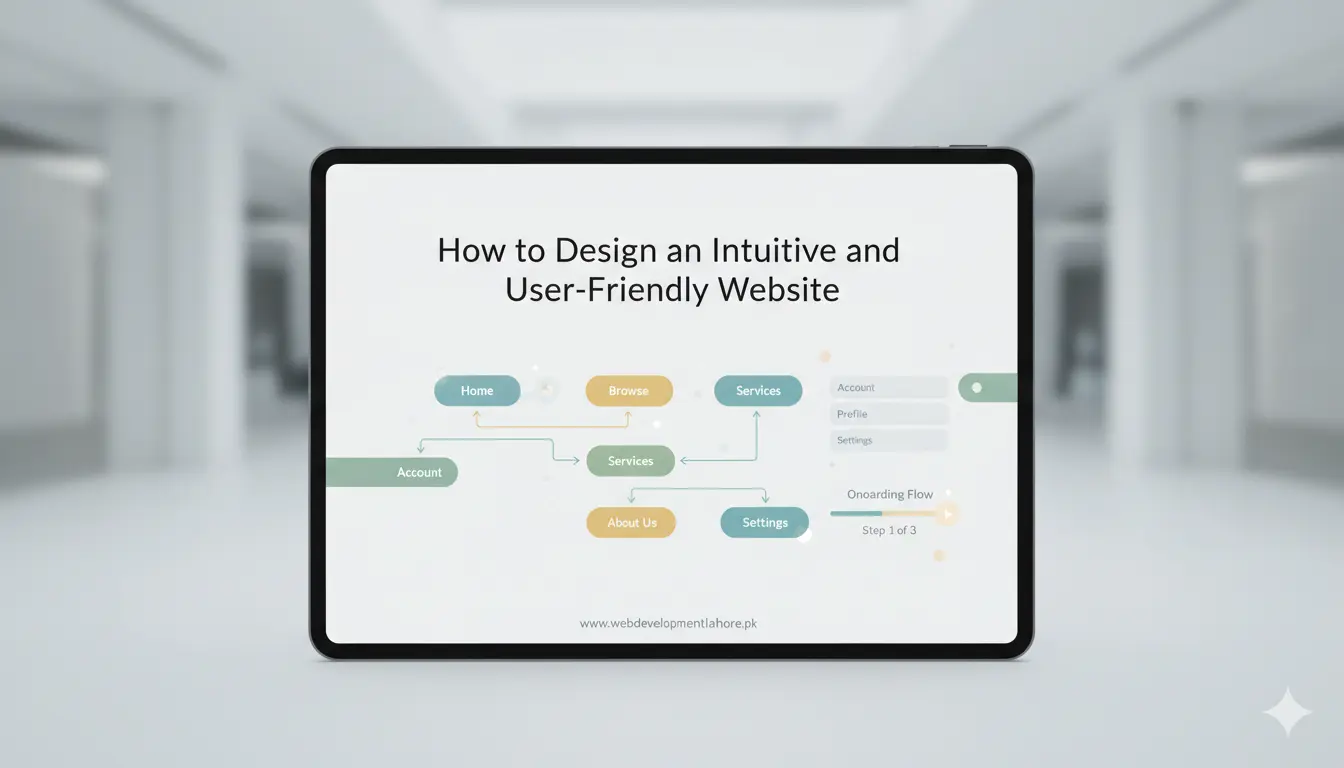
Map the User Journey
Sketch how a visitor moves from landing page to checkout or enquiry form. Remove any extra clicks. Every extra step drops conversion by about 7%, a figure confirmed by many UX studies.
Step 2: Keep the Layout Clean and Predictable
Follow Visual Hierarchy
Place the most important element (often your primary call-to-action button) above the fold. Use larger fonts and contrasting colours to guide the eye.
Use White Space Wisely
Empty space is not wasted space. It separates sections, improves readability, and makes a page feel calm.
Step 3: Make Navigation Effortless
Limit Menu Options
Five to seven top-level links are ideal. Too many choices create friction and slow decision-making.
Add Clear Calls to Action
Use action verbs such as “Get Quote” or “Buy Now.” Place CTAs after every key section so the user never has to search for the next step.
Step 4: Optimise for Mobile First
Responsive Grid
Code with a flexible grid and relative units like rem and %. Test on devices at 320 px, 768 px, and 1280 px widths.
Touch-Friendly Buttons
Make buttons at least 44 × 44 px so fingers can tap them with ease. Keep critical controls away from the screen edge to avoid accidental touches.
Step 5: Load Fast and Stay Secure
Compress images, enable HTTP/2, and use a content delivery network. Aim for a Largest Contentful Paint under 2 seconds, the benchmark recommended in 2026 by Google’s PageSpeed Insights. Install an SSL certificate to protect data and reassure visitors.
Step 6: Write Copy That Guides
Clear text is as important as clean code. Use short sentences, bullet lists, and descriptive headings rich with semantic keywords like “responsive design,” “user interface,” and “SEO-friendly structure.” This helps both readers and search crawlers grasp your message fast.
Step 7: Test, Measure, Improve
Launching a site is the start, not the end. Run A/B tests on headlines, colours, and layouts. Track metrics in Google Analytics 5: session duration, scroll depth, and conversion paths. Improve weak pages every month.
Local Insight: Designing for Audiences in Lahore and Across Pakistan
Internet speeds and devices vary across Pakistan. Keep file sizes small for users on 4G connections. Offer Urdu language support if your market demands it. Use local cues—such as familiar payment gateways like JazzCash—to build confidence.
Need Help? Partner with Web Development Lahore
Crafting a site that meets every guideline takes skill and time. WDL delivers web development, SEO, content writing, branding, mobile apps, and complete IT support under one roof. Since 2011, our Lahore team has launched over 800 responsive websites for firms across Pakistan and the Gulf.
Ready for a site that feels natural, loads fast, and ranks high? Call us on +92 323 958 7877 or visit our office in Johar Town, Lahore.
Key Takeaways
- Know your audience and their goals first.
- Keep layouts simple with clear visual hierarchy.
- Design mobile first; test on real devices.
- Speed and security are non-negotiable.
- Use plain copy and logical navigation.
- Iterate regularly based on data.
Follow these steps and your next project will not only look good but also feel right to every visitor. An intuitive and user-friendly website is the quickest route to higher sales and stronger brand loyalty in 2026 and beyond.