 Not sure what you need?
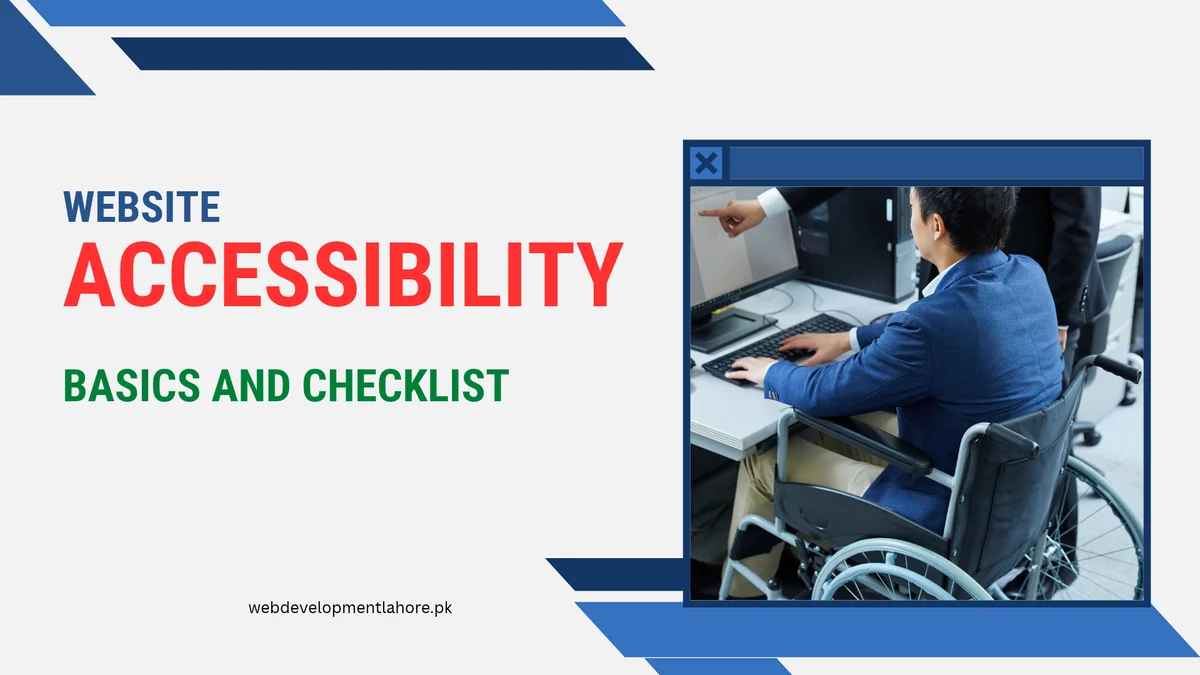
Quick answer: Website accessibility means people with disabilities, older users and people on small phones can use your site. In Pakistan, the ICT Rights of Persons with Disability Act 2020 recognises digital accessibility, but no binding technical standard has been adopted yet, so WCAG 2.2 Level AA is the practical benchmark. Start with readable text, good colour contrast, alt text, keyboard access and clear forms.
Why does accessibility matter for Pakistani websites?
Accessibility is not only for people who are blind or use screen readers. It also helps:
- older customers who need bigger text and clear buttons,
- people using low-cost phones with small screens in bright sunlight,
- visitors on slow mobile data who rely on text when images do not load,
- people with temporary injuries or one free hand,
- Google, which understands your pages better when they are well structured.
Many of these improvements also make a site faster and easier to use, which can mean more calls and WhatsApp enquiries.
What does the law in Pakistan say about website accessibility?
The ICT Rights of Persons with Disability Act 2020 recognises the right of persons with disabilities to access information and services, including digital ones. However, research published in 2026 notes that Pakistan’s laws do not yet reference a technical standard such as WCAG, so compliance remains largely voluntary. The National Information Technology Board’s website guidelines encourage WCAG, and WCAG 2.2 has been approved as an international standard (ISO/IEC 40500:2025), which local standards bodies can adopt.
For private businesses, the practical advice is simple: follow WCAG 2.2 Level AA as your target. It is the benchmark used in the USA, UK, EU and India, so it also matters if you sell or export abroad.
This is general information, not legal advice.
Which accessibility checks should every business website pass?
| Check | What to do | Quick test |
|---|---|---|
| Text size | Body text at least 16px; let users zoom | Read the page on a phone without zooming |
| Colour contrast | At least 4.5:1 for normal text, 3:1 for large text | Use a free contrast checker on your brand colours |
| Images | Meaningful alt text; empty alt for decorative images | Turn images off and see if the page still makes sense |
| Headings | One H1, then H2 and H3 in order | Check the outline with a browser extension |
| Links and buttons | Descriptive text, not “click here”; tap targets about 44 to 48px | Tap every button with your thumb |
| Keyboard access | Every menu, form and button works with Tab and Enter, with a visible focus outline | Unplug the mouse and use the site |
| Forms | Labels on every field, clear error messages, right keyboard for phone numbers | Submit an empty form and read the errors |
| Video and audio | Captions or transcripts | Watch with sound off |
| Motion | No flashing; respect reduced-motion settings | Turn on reduced motion on your phone |
| Language | Set the page language; mark Urdu sections correctly with right-to-left direction | Test with a screen reader |
What extra steps help Urdu and bilingual websites?
- Use a clear Urdu web font at a slightly larger size than English text.
- Set the language and direction for Urdu sections so screen readers and browsers display them correctly.
- Avoid putting Urdu text inside images; use real text so it can be read aloud and translated.
- Keep the same navigation in both languages so users do not get lost.
Which free tools can you use to test your site?
- Lighthouse (built into Chrome) for a quick accessibility score.
- WAVE browser extension to highlight missing alt text, contrast and structure issues.
- A screen reader: NVDA on Windows or TalkBack on Android.
- Your own team: ask someone older or new to the site to complete a task, such as sending an enquiry.
Automated tools find only part of the problems, so always combine them with a manual test.
How do we build accessible websites at Web Development Lahore?
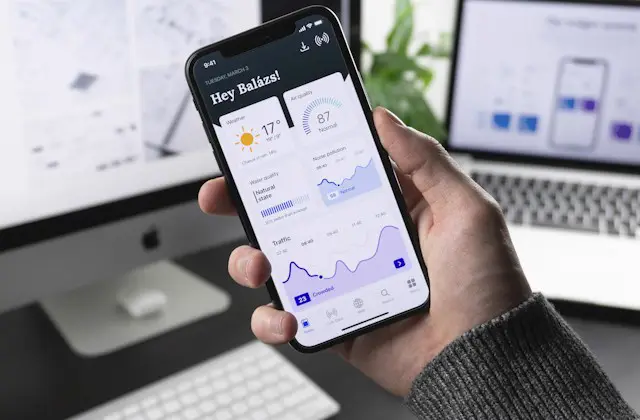
Every website we build is mobile-first and tested on real phones, with readable text, contrast checks, labelled forms, keyboard-friendly menus and alt text. Accessibility goes hand in hand with responsive web design and good UI/UX design. If your current site fails these checks, a focused website redesign can fix them without losing your Google rankings.
Want to know how accessible your website is? Ask for a free website audit and we will send you a short list of fixes. WhatsApp +92 323 9587877.
Frequently asked questions
Is website accessibility mandatory in Pakistan?
Pakistan’s ICT Rights of Persons with Disability Act 2020 recognises digital accessibility, but no technical standard is formally required yet. Following WCAG 2.2 AA is the safest practical approach.
What is WCAG?
The Web Content Accessibility Guidelines are the international standard for accessible websites, with levels A, AA and AAA. Most organisations aim for Level AA.
Does accessibility help SEO?
Indirectly, yes. Clear headings, alt text, descriptive links and fast, usable pages help both users and search engines understand your content.
How much does it cost to make a website accessible?
For a new website, the basics cost little extra when planned from the start. Fixing an older site depends on its size and code quality, so start with an audit.
Sources: ICT Rights of Persons with Disability Act 2020; ISSRA policy paper on standardising digital accessibility in Pakistan (2026); W3C Web Content Accessibility Guidelines (WCAG) 2.2; NITB guidelines for government websites.